How to install IOS fonts and also "Papyrus" font in Android (zFont)

Are you an Android user longing for the expressive charm of iOS font? Look no further – you've stumbled upon the perfect solution. With just three simple steps, you can infuse your Android device with the vibrant flair of iOS emojis.
Step 1:
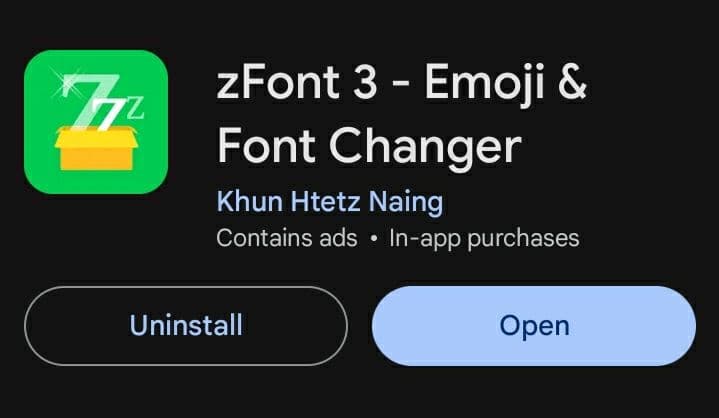
Install zFont from the Google Play Store To kickstart the transformation, head over to the Google Play Store and download zFont. This handy app serves as the gateway to unlocking a world of iOS font on your Android device.
Step 2:
Download the Font pack by Clicking on the link below!
Step 3:
Apply the Font with Ease With the iOS emoji font safely tucked away in your device, it's time to apply it. Launch zFont and follow the intuitive instructions provided within the app. Within moments, your Android device will undergo a delightful metamorphosis, adorned with the beloved iOS font.
Follow the instructions below to install the font!

Hurray!
Embrace the Joy of iOS font on Android!
And the best part is, after successfully installing, you can uninstall the zFont application whenever you want.
Thankyou!